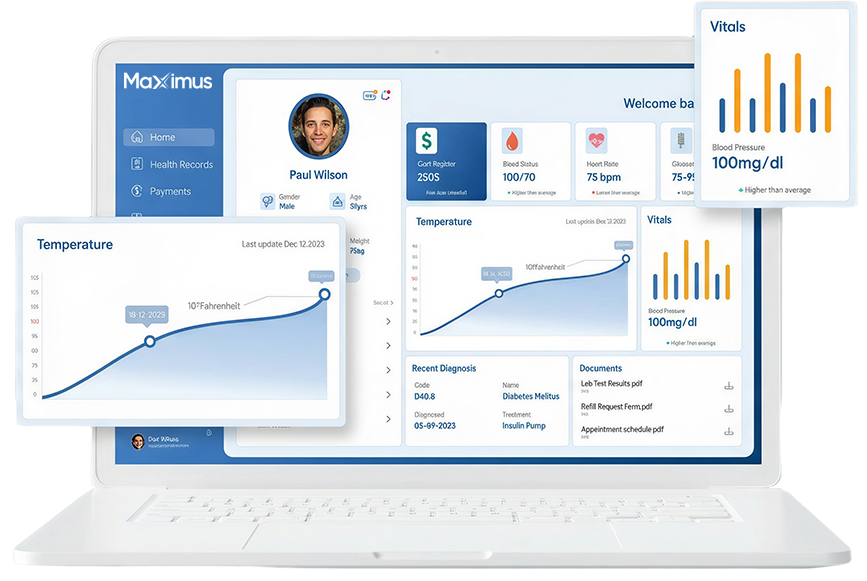
Maximus EHR vs Traditional EHRs: A Workflow-First Comparison

Maximus EHR vs Traditional EHRs A Workflow-First Comparison

Introduction: The Burnout Built Into Your EHR

Physician burnout isn’t just a staffing problem. It’s a software problem.
Studies tying EHR usability to clinician exhaustion aren’t new, but most practices still treat the symptoms instead of the cause. Extra staff. Scribes. Overtime. What almost nobody questions is the system itself: the ten-click medication order, the note template built for a specialty you don’t practice, the scheduling module that requires three screens to book one visit.
Traditional EHRs were built around database logic and how information should be stored. The result is software that fights the workflow instead of supporting it.

Workflow-first design flips that priority. Instead of asking “how do we structure the data,” it asks “how does a clinician actually work, and how do we get out of their way?” Every screen, click, and field exists to match the real rhythm of patient care, not to satisfy a rigid data schema.

Maximus EHR was built on that premise from day one. Below is a direct, practical look at how that difference plays out, touchpoint by touchpoint.

The Workflow Showdown: Traditional vs. Maximus EHR

Clinical Touchpoint Traditional EHRs Maximus EHR
Patient Intake & Registration
Manual front-desk data entry, duplicate paperwork, disconnected insurance verification
Patient-driven digital intake, automated insurance and eligibility checks, data flows straight into the chart
Encounter Charting
Deep sub-menus, rigid templates, heavy click fatigue
Adaptive, specialty-aware templates with macros and smart defaults
Care Plan & Order Entry
Orders scattered across separate modules or bolt-on tools
Single-click, unified order entry tied directly to the chart
Multi-Specialty Customization
One-size-fits-all templates forced onto every specialty
Configurable workflows built around how each specialty actually practices
Mobile / On-the-Go Access
Desktop- or server-bound; limited, clunky mobile add-ons
True cloud-native access; chart, order, and review from any device
Lab & Prescription Integration
Fragmented interfaces, manual reconciliation, delayed results routing
Real-time, integrated e-prescribing and lab tracking in one screen

Intake and Scheduling: Eliminating Front-Desk Friction

Traditional systems put the burden of data entry on your front desk, and by extension, on your patients’ wait times.

The traditional bottleneck:

The workflow-first approach:

Less re-keying means fewer errors, and a faster, calmer first five minutes of every visit.

The Charting Encounter

This is where most EHRs lose clinicians completely.
Traditional systems are notorious for click fatigue: navigating three or four sub-menus just to document a single vital sign, or fighting a template that assumes every visit looks the same. Studies on EHR usability consistently point to excessive documentation clicks as one of the top drivers of after-hours charting, commonly called “pajama time.”

Where traditional systems fail:

How Maximus EHR closes that gap:
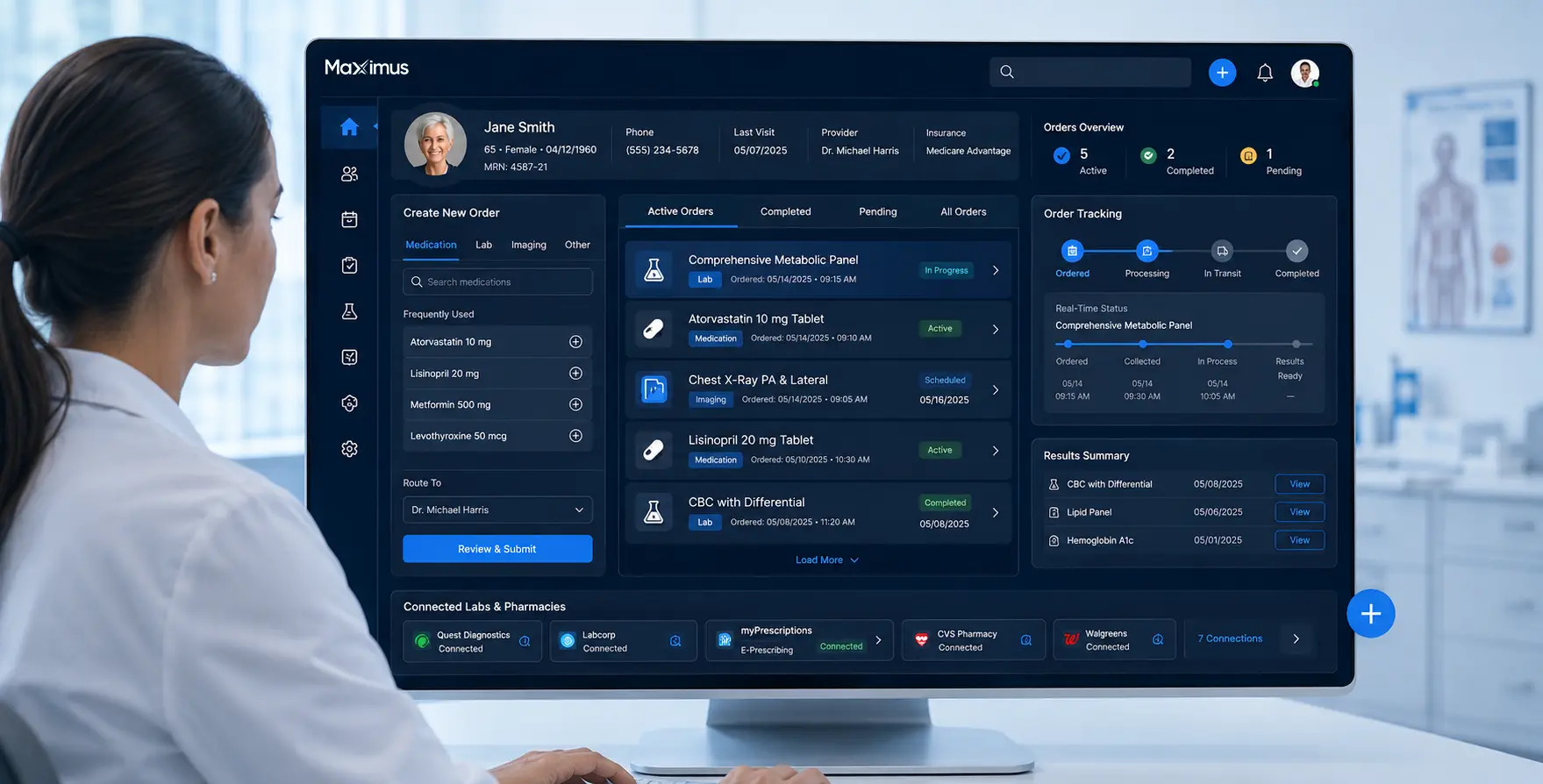
The goal isn’t just faster charting. It’s charting that doesn’t compete with actual patient conversation.
Orders, Prescriptions, and Lab Integrations

Orders, Prescriptions, and Lab Integrations

Fragmentation is where legacy systems quietly cost practices the most time.

The traditional experience:

The Maximus experience:

Every extra system a clinician has to touch is another point where care can fall through the cracks. Unifying orders removes that risk at the source.

True Mobility: Breaking Away from the Desktop

Traditional, server-based EHRs were built for a desk-bound clinic. Modern care isn’t desk-bound anymore.

Traditional limitations:

What true mobility looks like:
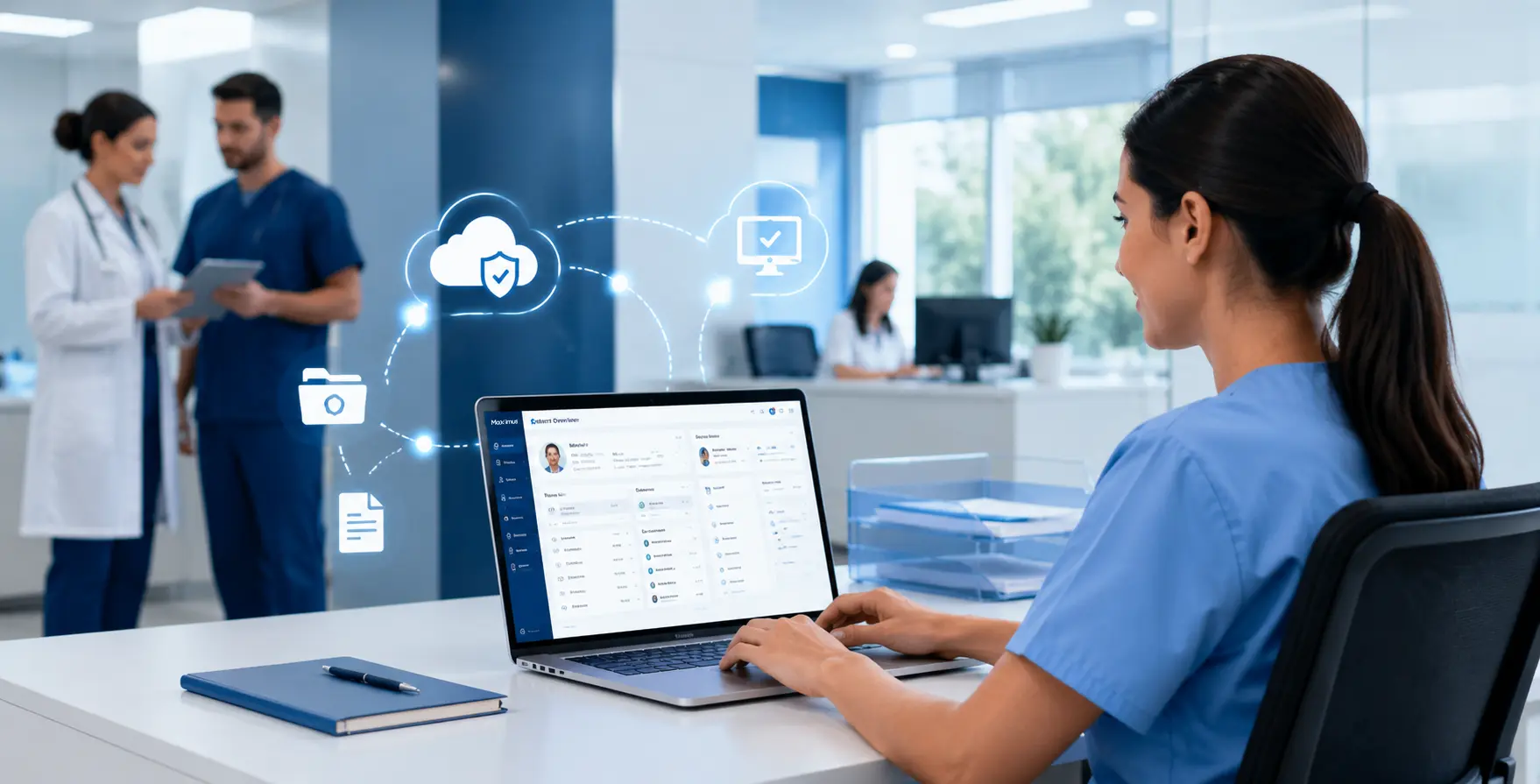
Mobility isn’t a convenience feature. It’s what actually gives providers their evenings back.
The Switch to a Workflow-First System

Making the Move: The Switch to a Workflow-First System

Migration anxiety keeps a lot of practices stuck with software they’ve outgrown. It shouldn’t.

What practice owners typically fear:

What a workflow-first switch actually looks like:

The systems designed around clinical workflows tend to be the easiest ones to adopt, because they’re built to match how your team already works, not the other way around.

Book Your Live Workflow Walk-Through

Your team didn’t get into healthcare to fight software.

Every extra click, every redundant menu, every night spent finishing notes at home, that’s time taken directly from patient care and personal life. Maximus EHR was built to give that time back.

See it in your own workflow, not a canned demo script.

Book a personalized, live walk-through of Maximus EHR today and watch how intake, charting, orders, and mobile access work together, built around the way your practice actually operates.

FAQs

What is a workflow-first EHR?
A workflow-first EHR is designed around how healthcare providers actually deliver care rather than how data is stored. It streamlines tasks like patient intake, charting, order entry, and documentation, helping clinicians complete more work with fewer clicks and less administrative burden.
How does Maximus EHR improve clinical workflows?
Maximus EHR simplifies everyday processes with digital patient intake, adaptive charting templates, integrated e-prescribing and lab management, automated scheduling, and cloud-based access. These features reduce repetitive tasks, improve efficiency, and allow providers to spend more time with patients.
Can switching to a new EHR disrupt my practice?
Not necessarily. With a structured migration plan, historical patient data can be securely transferred while staff receive workflow-based training. A phased implementation helps practices continue providing patient care with minimal disruption during the transition.
Is Maximus EHR suitable for different medical specialties?
Yes. Maximus EHR offers specialty-specific workflows and configurable templates that adapt to the unique documentation, scheduling, and clinical needs of different specialties, eliminating the limitations of one-size-fits-all systems.
How does cloud-based access benefit healthcare providers?
Cloud-based access allows providers to securely review charts, document encounters, manage orders, and access patient information from any internet-connected device without relying on on-site servers or VPNs. This improves flexibility for telehealth, multi-location practices, and after-hours access when needed.

Table of Contents

Maximus | Electronic Health Record

Transform Your
Practice with
AI-Powered EHR

Reduce administrative burden, streamline workflows, accelerate revenue, and deliver exceptional patient care.